








Windows: How to Zip (Compress) Multiple Files
Windows: How to Zip (Compress) Multiple Files
Microsoft Windows provides a utility that allows you to zip multiple files into a single compressed file format. This is especially helpful if you are emailing files as attachments or if you need to conserve space (zipping files can reduce file size by up to 50%).
Zipping Multiple Files
- Use "Windows Explorer" or "My Computer" ("File Explorer" on Windows 10) to locate the files you wish to zip. (It will help if you move all the files you wish to zip to a single folder.)
- Hold down [Ctrl] on your keyboard > Click on each file you wish to combine into a zipped file.
- Right-click and select "Send To" > Choose "Compressed (Zipped) Folder."
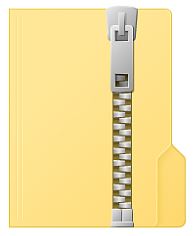
Your files will be combined into a single folder with a zipper icon on it. Attach the zipped file to an email in lieu of multiple files.
Instructions for unzipping (extracting) files from a zipped folder are available on the Extract Files from a Zipped (Compressed) Folder help page.


