








Calendar View Options in Outlook
Calendar View Options in Outlook
Outlook provides you with many different options for how to view or arrange your calendar or calendars. These options all display in the ribbon when you are in the Calendar section of Outlook.
- Daydisplays all appointments for a single day.
- Work Weekdisplays Monday through Friday.
- Weekdisplays a full week Sunday through Saturday.
- Monthdisplays an entire month. You can choose whether to display the month in low, medium, or high detail.
- Schedule Viewshows the work week during your work hours and is most useful for displaying multiple calendars to compare times for setting meetings. See theschedule view help pagefor more information.
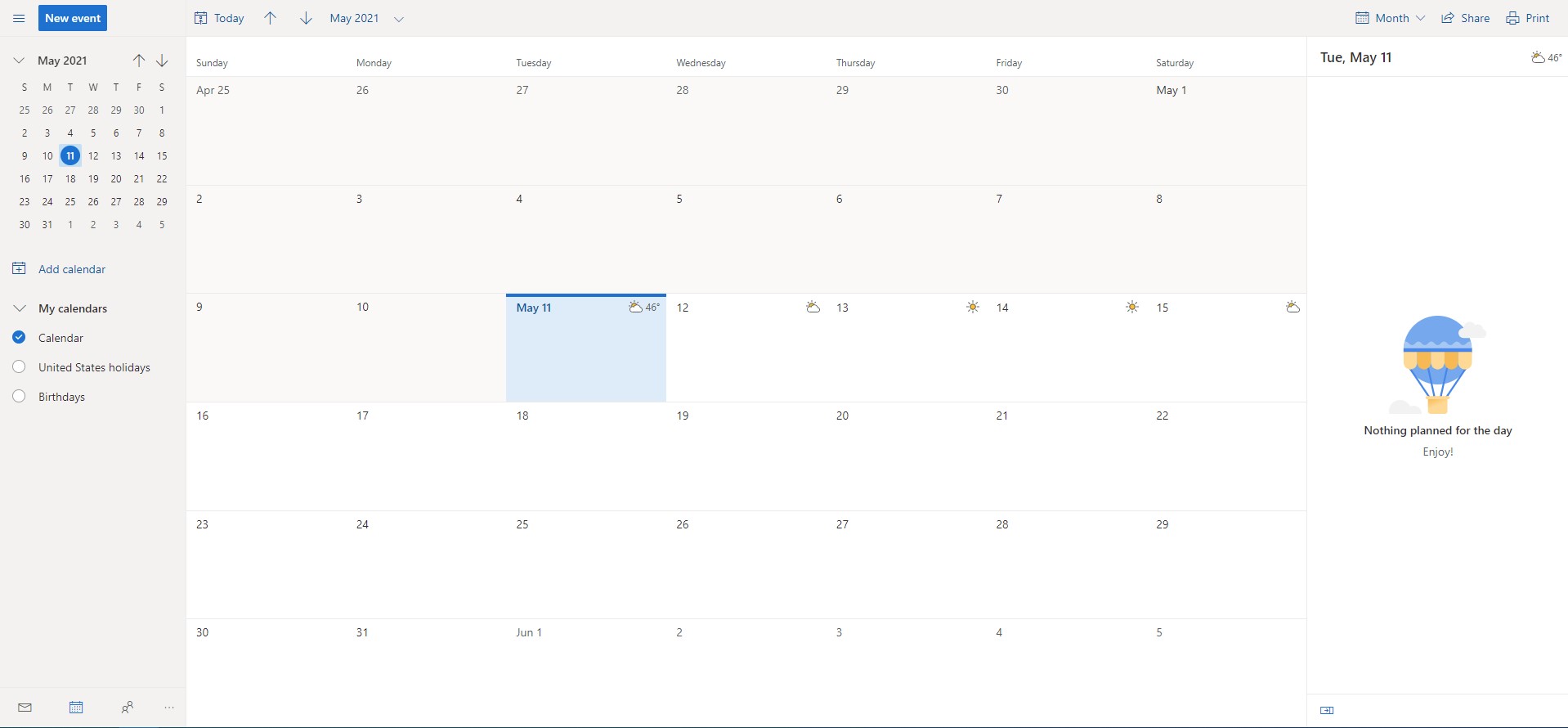
To view your calendar using one of these options:
- Go to Calendar in the navigation pane.
- Select the box next to the calendar or calendars you want to view.
- In the "Arrange" group in the "Home" tab, click the desired display option.
For information on viewing delegated calendars, seeView Delegated Calendars. For information
on viewing multiple calendars, seeView Multiple Calendars.


